
If you’re looking for the best IPTV players for a MacBook, you’re in the right place. In this article, we’ll present a comprehensive list of top applications that let you watch live channels and streams with ease and high quality, while helping you choose the option that best fits your needs.
What are the benefits of using a dedicated IPTV player on a MacBook?
Using a dedicated IPTV player on a MacBook improves your IPTV subscription experience. These IPTV player apps support M3U and M3U8 playlists, EPG, URLs, and common file formats like MP4, MKV, AVI, and MOV.
Top apps:
The Best IPTV Apps for MacBook In 2026
Here is the list:
GSE IPTV
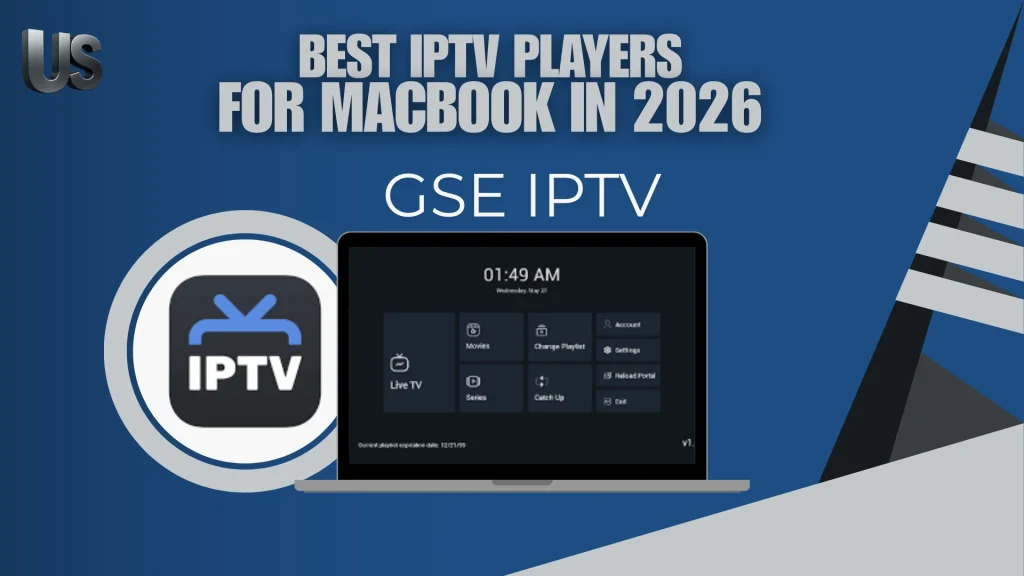
GSE IPTV is widely recognised as one of the most reliable applications designed for Apple devices, especially on MacBook systems. It allows users to discover and manage IPTV playlists through a clean and organised interface. The app offers strong compatibility across different formats, making it suitable for advanced streaming setups on macOS. With stable performance on various Macs, it ensures smooth navigation and efficient media handling for everyday use.
Pros:
- Supports multiple playlist formats for flexible usage
- Smooth performance on macOS devices and modern Macs
- Advanced player settings for better control
- User-friendly interface for easy navigation
Cons:
- Initial setup may seem complex for beginners
- Requires external playlists to access content
- Some features depend on manual configuration

GSE IPTV
IPTV Stream player
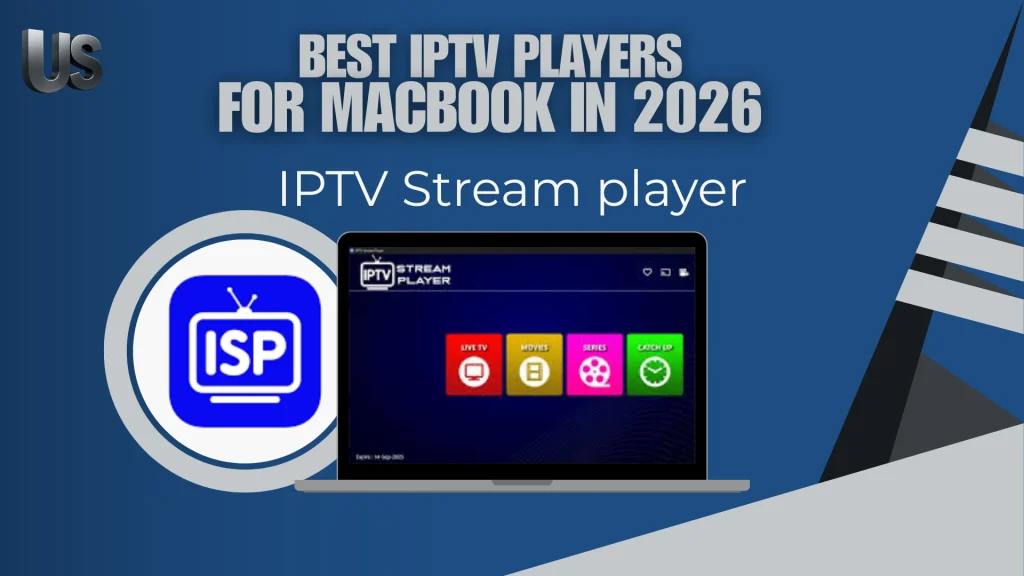
It is widely used and popular, supporting major video formats and delivering smooth 4K content playback. It includes subtitles and dual-audio options, global search, global favourites, and a recent playlist.
The app also offers parental controls, content blocking, multilingual support, and a built-in speed test. Importantly, it does not provide any TV channels; it is only a player, and users must add their own IPTV playlist to watch content.
Pros:
- Global search helps locate content quickly
- Subtitles and dual-audio improve viewing flexibility
- Built-in speed test offers a useful connection check
- Parental controls add better content management
Cons:
- Interface may feel feature-heavy at first
- Some options are less useful without a well-organised source

IPTV Stream player
Zen IPTV Player
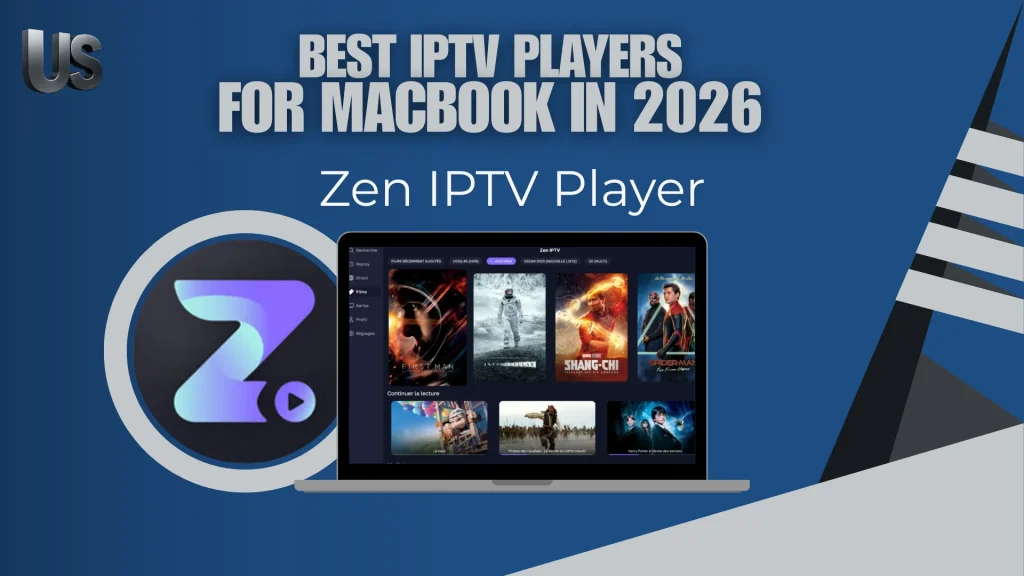
It supports most IPTV formats, making it suitable for all users. The app offers a clean interface and works across Apple TV, iPhone, Mac, and iPad. It includes live TV, replays, movies, series, 4K and HDR support, multi-language subtitles, audio tracks, and an EPG guide. Additional features include Picture-in-Picture, automatic grouping of versions, popular content, and multiple viewing profiles. It provides no content and functions only as a player.
Pros:
- Available across several Apple devices
- Picture-in-Picture improves multitasking comfort
- Automatic grouping keeps versions better organised
Cons:
- Best experience depends on the quality of the source added
- Some advanced tools may be unnecessary for casual viewers
- Apple-focused availability may limit users on other platforms

Zen IPTV Player
IPTV +
This application offers many features that make it a strong choice for IPTV users. It allows you to watch live TV channels, movies, and on-demand videos on iPhone, iPad, and Apple TV. It supports playlists, series, and catch-up content, providing smooth performance with a straightforward interface. It also works with M3U files and Xtream links. The app does not offer any content—you must add your own playlists or login details.
Pros:
- Suitable for live TV, series, films, and catch-up content
- Simple layout makes daily use more convenient
- Runs well across key Apple screens
- Good choice for users who want fast access to their own sources
Cons:
- No included channels or video library
- Not aimed primarily at desktop use
- Quality relies heavily on the provider’s playlist

IPTV +
Mega IPTV M3U Player
With this application, you can watch your favorite programs with ease. It supports m3u and m3u8 playlists, allows unlimited playlist creation, and includes AirPlay and picture-in-picture features. Its beautiful interface, easy search, TV output, and quick playlist updates offer a smooth IPTV experience. The app provides no channels or content; users must add their own sources.
Pros:
- Unlimited playlist creation offers greater freedom
- AirPlay is useful for watching on a larger screen
- Fast playlist refresh helps keep sources updated
- Search function makes browsing easier
Cons:
- More focused on playlist handling than advanced media tools
- Interface style may matter more than deep custom settings
- Performance depends on the quality of the added source

Mega IPTV M3U Player
My smart IPTV Player
It is considered an ideal solution for MacBook users, offering one of the fastest and most innovative IPTV playback experiences available today. The app provides a modern interface and high performance, supporting advanced video formats such as Dolby Vision, HDR10, and HLG for stunning visual quality. It also features improved playback controls, a clean and intuitive design, and support for multiple playlist formats, including m3u and Xtream.
Pros:
- Modern design gives the app a more polished feel
- Responsive playback controls improve handling during viewing
- Works with both M3U playlists and Xtream details
- Well suited to MacBook users seeking a smoother experience
Cons:
- Best visual results require compatible hardware and source quality
- More focused on Apple desktop use than wider device coverage
- Some users may prefer a simpler player with fewer premium-oriented features

My smart IPTV Player
IPTV Smarters Player Expert
This program provides strong support for playlists without any complexity, making it an excellent choice for all users. It allows easy import of M3U and M3U8 playlists, with support for Xtream Codes and Stalker Portal. It also offers automatic playlist sorting, Chromecast support, detailed EPG, offline viewing, replay mode, favourites, and multi-profile options. Overall, it delivers a smooth and complete IPTV experience.
Pros:
- Automatic sorting keeps content neatly arranged
- Replay and offline viewing add extra flexibility
- Multi-profile support suits shared use
Cons:
- Some functions may require time to explore fully
- Offline and replay features can depend on the source used
- Full feature set may feel excessive for users who want only basic playback

IPTV Smarters Player Expert
Prime IPTV
Prime IPTV is a powerful video player available on the App Store, offering a smooth streaming experience for Mac users. This player application supports m3u playlist import through url, making it easy to access live TV, movies, and series. It delivers high-quality audio and video, fast performance, and a free, convenient version for beginners. As a Mac player, it also includes features such as favourites, parental controls, dynamic subtitles, and multi-TV support. With positive ratings and reviews, it remains a reliable choice for IPTV streaming.
Pros:
- Easy M3U import through a direct URL
- Good audio and video quality for regular use
- Beginner-friendly version makes it more accessible
- Dynamic subtitles improve viewing comfort
Cons:
- Relies on the stability of the playlist source
- Mac-centred focus may not suit users on other platforms
- Advanced users may find the custom options somewhat limited

Prime IPTV
Conclusion
Choosing the right IPTV player can significantly improve your streaming experience on macOS. This guide to the best IPTV apps for MacBook covers both free and premium options designed to run smoothly on Apple devices. Read more iptv tutorials at nextscreeny.com.

I studied modern technology at college and have extensive experience in applications and viewing solutions. Due to my work, which requires frequent travel, I rely on modern technologies to keep up with my favourite programmes.