
In today’s article, we will share our honest opinion about the 9xtream app, along with a complete experience on how to use it. Stay with us to discover what this application offers and the essential information you should know before trying it.
Table of Contents
What Is 9Xtream?
9Xtream is an IPTV player app available on the App Store and play store . This application lets the user stream live TV, series and content through an IPTV service using M3U playlist, URLs or Xtream Codes. It does not host data or provide content; access depends on your provider. The interface, design, EPG, parental setting and compatibility guide improve the streaming experience. Some features may need purchase, depending on the version.
How to Install 9Xtream
Installing 9Xtream on Android
- To use 9Xtream on Android, download the app first, then open it after installation.
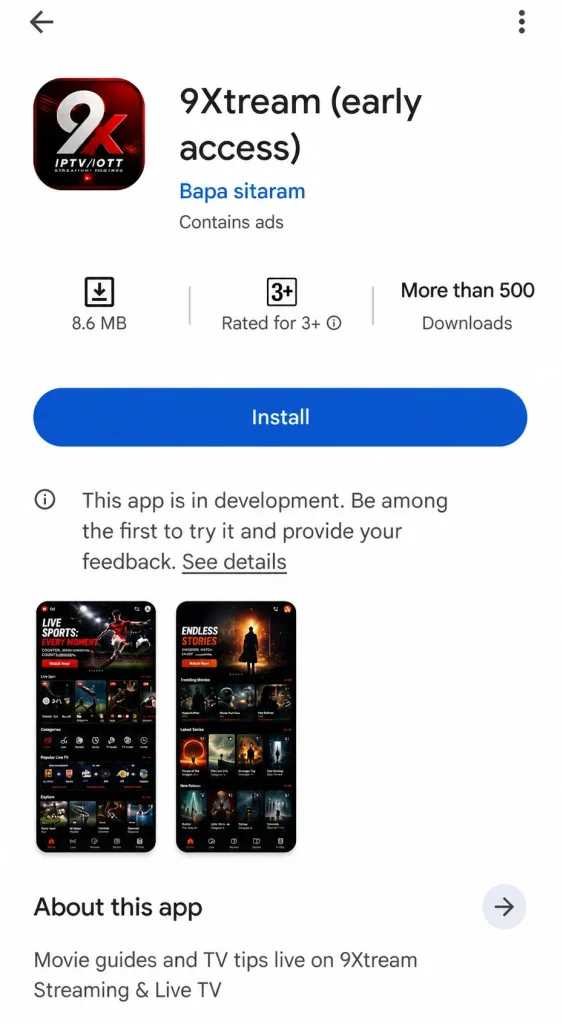
2. On the home screen, choose Add Playlist and select the M3U option.
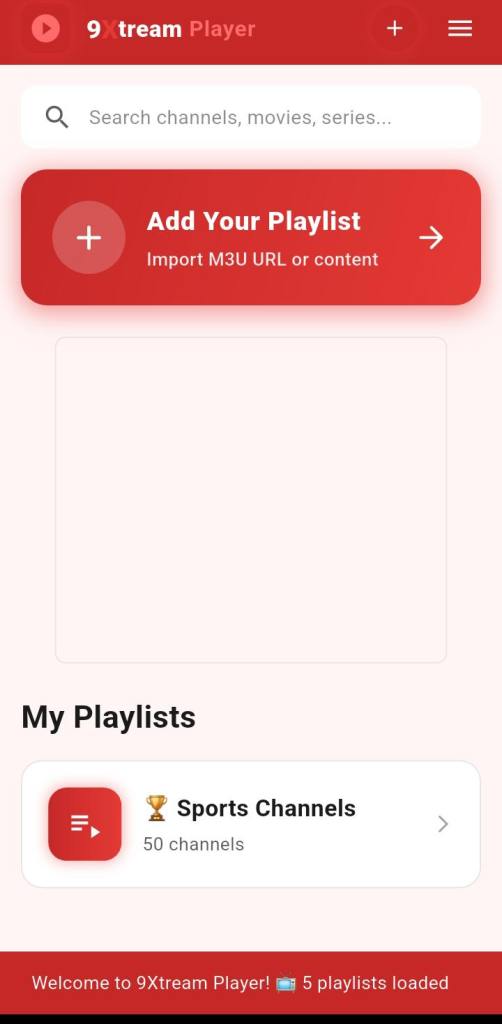
3. Enter a playlist name, then paste the M3U link provided by your IPTV provider.
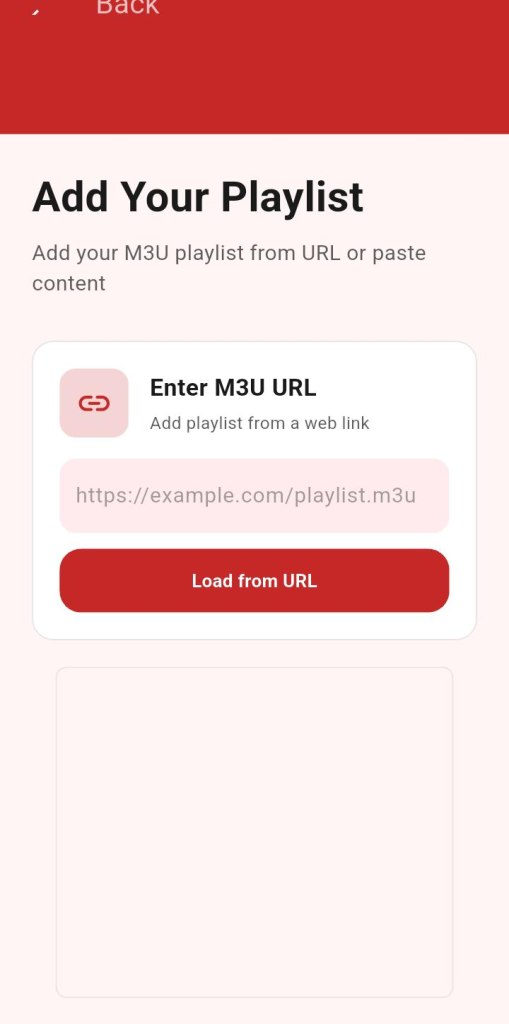
4. Save the playlist, wait a few moments for the content to load, then start watching directly from the app.
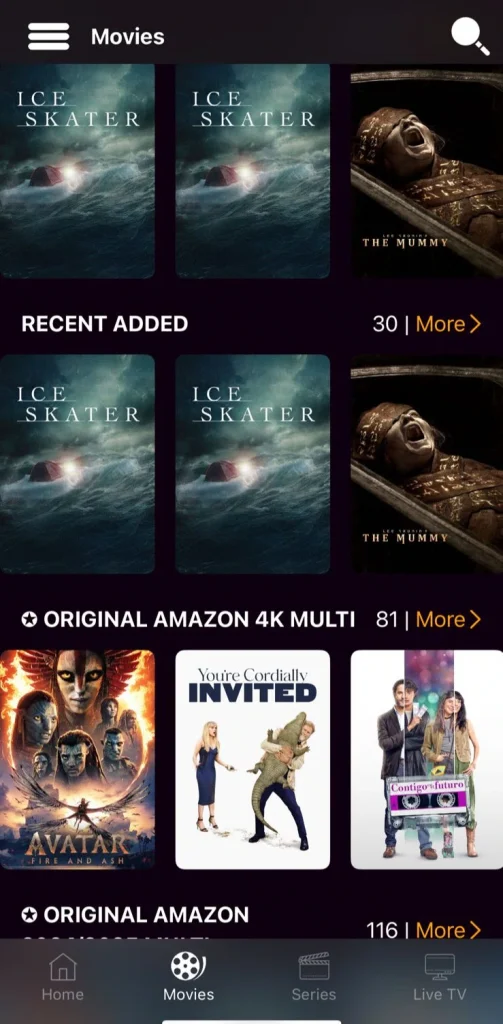
Installing 9Xtream on iOS
- To use 9Xtream, first download the app, then open it after installation.
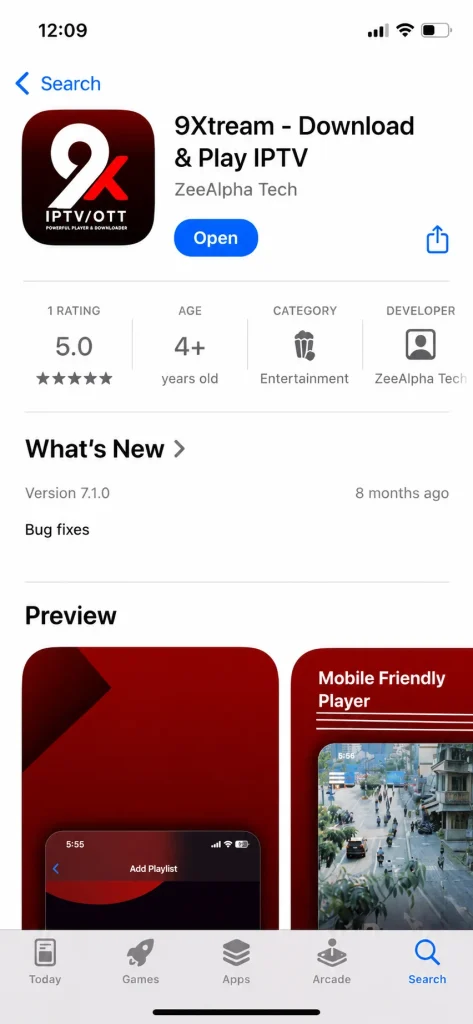
2. On the main screen, tap Add Playlist and choose the suitable format to add your list.
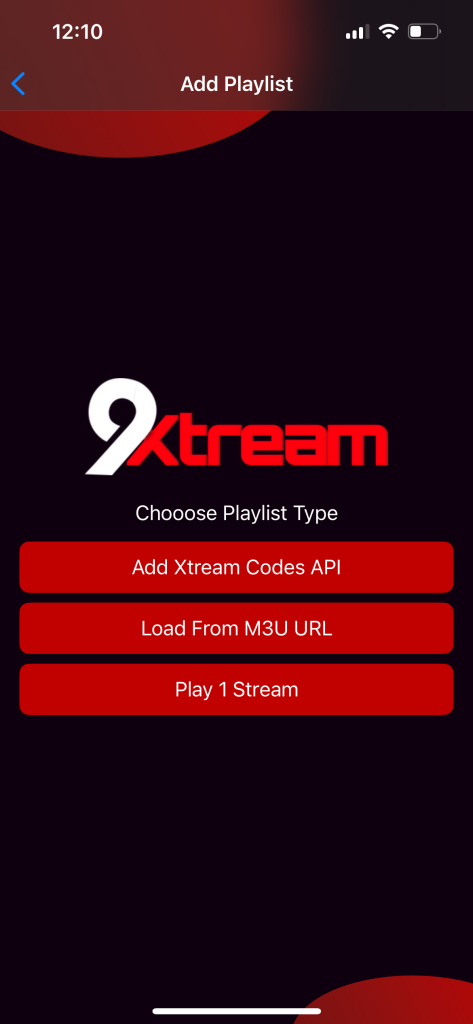
3. Select Xtream Codes, then enter the information provided by your IPTV provider.
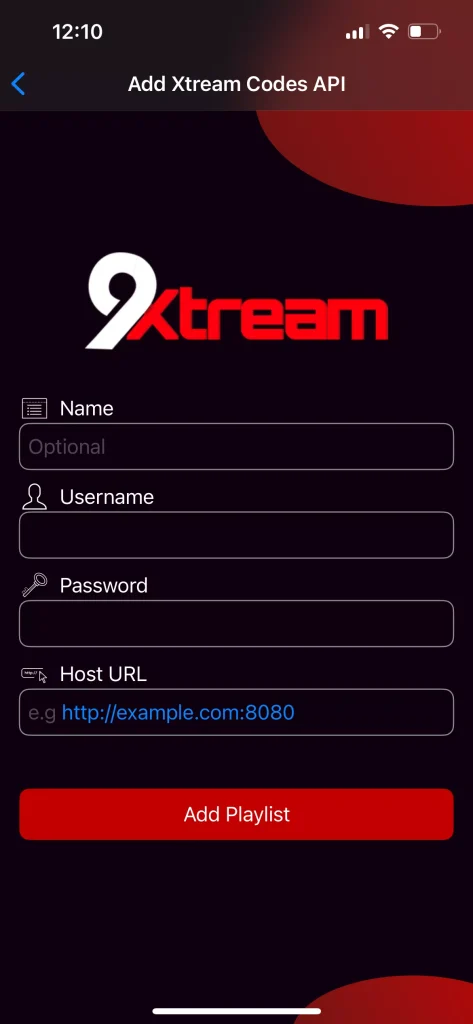
4. Add the playlist, wait a few moments for the content to load, then you can start watching directly through the app.
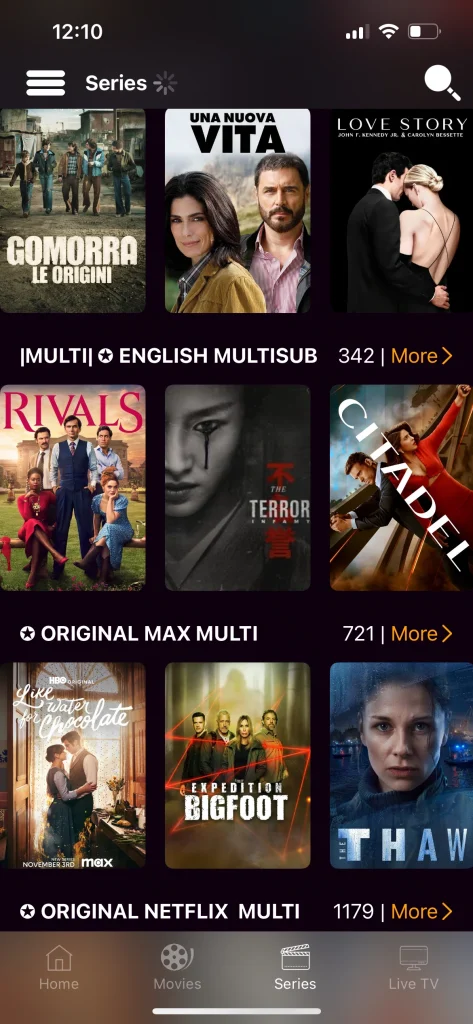
Our Review of 9Xtream
Our experience with the app on iOS and Android was smooth, simple, and easy, with no real complications. The installation was quick, the interface was clear, and adding playlists did not take much effort. We also noticed good stability during viewing, with decent loading for channels, movies, and series depending on the connection quality and provider used.
Best Alternatives to 9Xtream
Gse smart IPTV :
GSE Smart IPTV is considered one of the best alternatives because it is easy to use and supports different formats for playing content. The app offers an all-in-one IPTV solution for watching live channels, movies, series, and VOD. It also provides a simple interface and powerful playback features, giving users a smooth, high-quality viewing experience on different Android and ios devices.
Pros :
- Simple and clear interface
- Smooth playback on Android
- Supports live TV, movies, series, and VOD
- Good viewing quality depending on the source
- Supports different IPTV formats
Cons :
- Needs external playlist
- Depends on provider quality
- Setup may confuse beginners
- Performance varies by source

Gse smart IPTV
Kodi :
Kodi stands out for its many features, making it a widely used app thanks to its open-source and versatile nature. It lets users play and organize movies, series, music, photos, podcasts, and TV channels in one place. It also supports many media formats, offers add-ons for extra features, and works on Android, Smart TVs, computers, consoles, and personal servers.
Pros :
- Open-source and free to use
- Plays almost any media format
- Organizes movies, series, music, photos and TV
- Supports add-ons for extra features
- Works on Android, Smart TVs, PCs and consoles
- Highly customizable interface
Cons :
- Setup can be confusing for beginners
- Some add-ons may be unreliable
- Interface needs time to master
- No built-in IPTV content

Kodi
IMplayer :
iMPlayer is a media player that supports M3U files and compatible platforms. It offers a cable-like viewing experience on your phone or device. The app supports Catch-up to watch missed content, VOD for movies and series depending on your playlist, and a download option for offline viewing. It also includes an EPG guide to display programs in an organized way.
Pros :
- Cable-like viewing experience
- Catch-up support for missed content
- VOD for movies and series
- Download option for offline viewing
- Full EPG guide included
- Customizable interface
Cons :
- Does not provide content itself
- Requires a playlist or compatible service
- Some features may need setup

IMplayer
Conclusion :
Our team has tried to provide you with a complete and clear experience of the 9Xtream app, including its main features and how it works. We hope this article was useful and helped you understand the app better. Don’t forget to share your opinions and experiences in the comments.
FAQ :
Can users add multiple playlists on 9Xtream?
Yes, 9Xtream lets users add and manage multiple playlists, depending on the version used. This is useful if you have different IPTV sources and want to separate live TV, movies, or series in one app.
Does 9Xtream support subtitles and multiple audio tracks?
9Xtream may support subtitles and audio tracks when they are included in the stream. This usually depends on the IPTV source, not only the app. You can check screenshots or app details before using it.
Is 9Xtream free to use?
9Xtream is generally free to download, but some features may require an in-app purchase. According to Google-style app listings, the developer mentions that privacy and data handling can vary depending on usage.

I studied modern technology at college and have extensive experience in applications and viewing solutions. Due to my work, which requires frequent travel, I rely on modern technologies to keep up with my favourite programmes.