

In today’s article, we will share our opinion about the XCIPTV Player app and explain how to use it step by step. We will highlight its main features and ease of use, so stay with us to discover how simple and practical this application is for everyday use.
Easy navigation
What is xciptv?
This app is considered a modern solution for anyone who wants to watch programs and series via IPTV, as it works on all Android phones and devices. It offers many features such as adaptive streaming support, an electronic program guide (EPG), support for Xtream Codes and M3U files, built-in players like VLC and ExoPlayer, and the ability to schedule DVR recordings to internal or external storage.
My experience :
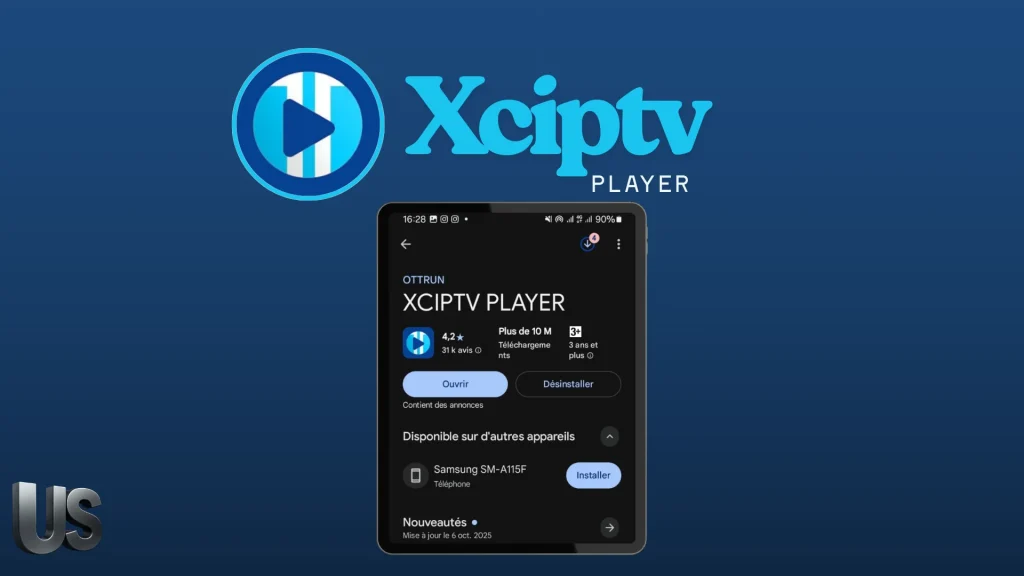
To try the app, we will first download it from the Play Store.
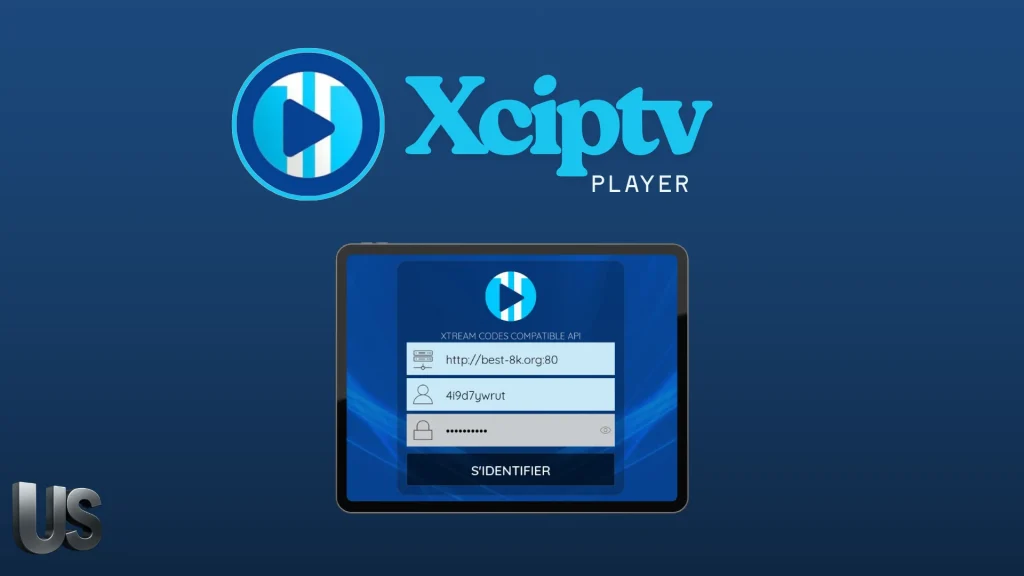
After downloading the app, we will open it directly and it will display the Xtream Codes information. We will copy the server URL that we received from the provider, along with the username and password, then add them.
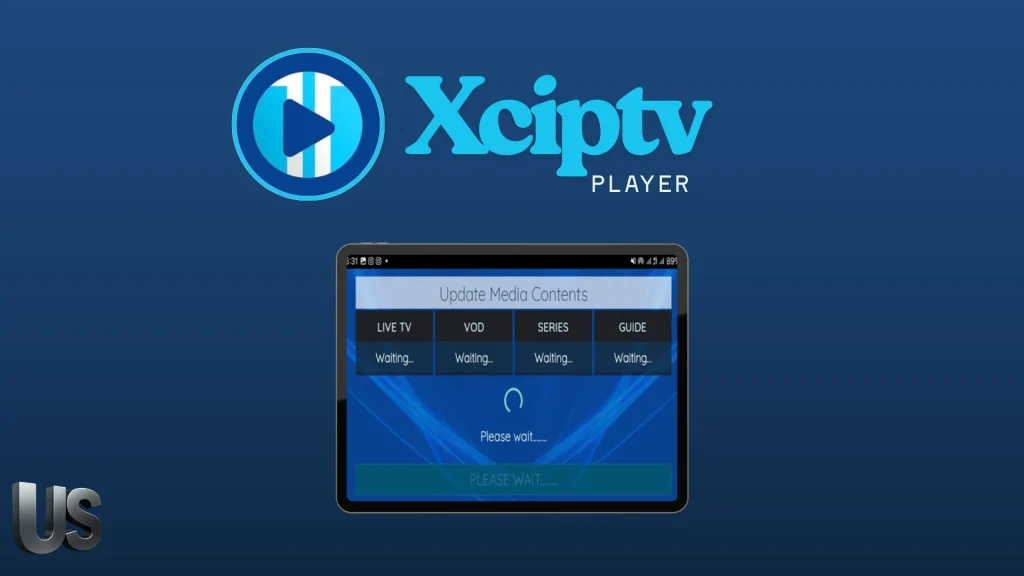
After adding the playlist, we will wait for the content to load.
Recommended review : Televizo
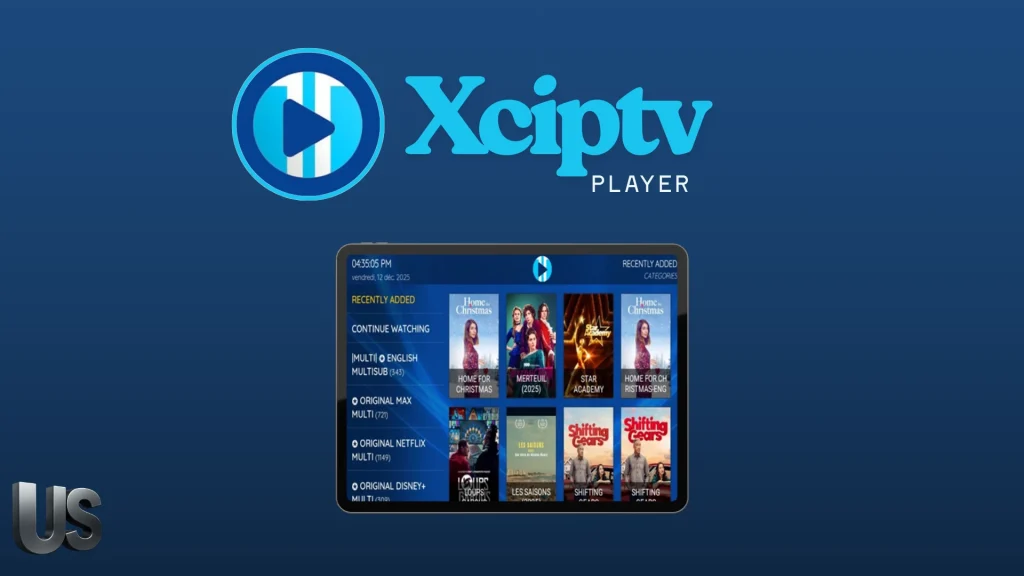
After the content is loaded, you will find a diverse list of series, movies, and live channels, which you can enjoy watching comfortably.
Alternative apps to xciptv :
IPTV :
The IPTV app offers many features that make it a professional solution for watching channel content from an iptv streaming service. It supports M3U and XSPF playlists with history saving, allows multicast playback using UDP proxy, and provides smart viewing modes such as grid, list, or tiles. It also supports EPG formats, making it one of the best options for live tv and movie content.
IPTV PLAYER :
IPTV Player allows you to play M3U and M3U8 files and playlists, supports Xtream IPTV, and lets you add an unlimited number of playlists and channels. You can add channels to favorites, customize playlists, use fast channel search, and cast content to a big screen. The app also includes advanced tools such as a timer, brightness and volume controls, and screen lock. It is compatible with all Android devices and TV Box, and supports 4K, HD, and SD quality with 720p and 1080p resolutions.
9Xtream :
It is considered one of the best media players that works smoothly on Android phones, tablet devices, tvs, and Android Box. It supports Xtream Codes API and M3U playlists, offers excellent streaming quality, allows adding multiple playlists, and supports Chromecast for big screens. The app also includes parental control, Picture-in-Picture mode, easy installation, and a user-friendly interface developed by a dedicated team, working with any provider.
Find more of the best IPTV apps Android
Conclusion :
This was our experience and opinion about the XCIPTV app. We hope you found this review helpful and informative. If you have tried the application, do not forget to share your opinions and experience with us in the comments to help other users.

I studied modern technology at college and have extensive experience in applications and viewing solutions. Due to my work, which requires frequent travel, I rely on modern technologies to keep up with my favourite programmes.