

If you want to learn more about Zen IPTV Player or read a review about it, this article will give you our overall opinion, explain how to use the app, and show whether it is easy to use on different devices. Stay with us to discover the key information you may need.
Table of Contents
What is Zen IPTV Player:
Zen IPTV Player is a modern IPTV player designed to provide an intuitive and enjoyable streaming experience. It loads your playlists smoothly on phones and tablets while maintaining a high-quality experience across different devices. The app also uses the TMDB API to enhance media metadata and improve content presentation.
Pros and Cons
Pros :
- Available on multiple devices
- Supports TV, replay, films, and series
- Supports 4K, HDR, and Dolby Vision
- Multiple language subtitles and audio tracks
- Includes EPG / TV guide
- Picture-in-Picture support
- Groups SD, HD, and FHD versions automatically
- Lets you create multiple viewing profiles
- Resume playback easily
- Favorites list available
- Live football stats and scores
cons :
- Does not provide built-in content
- Requires your own playlist or source
- Some features depend on Zen Access IAP
- Legal use depends on your content rights

Zen iptv player
My experience :
For Android :
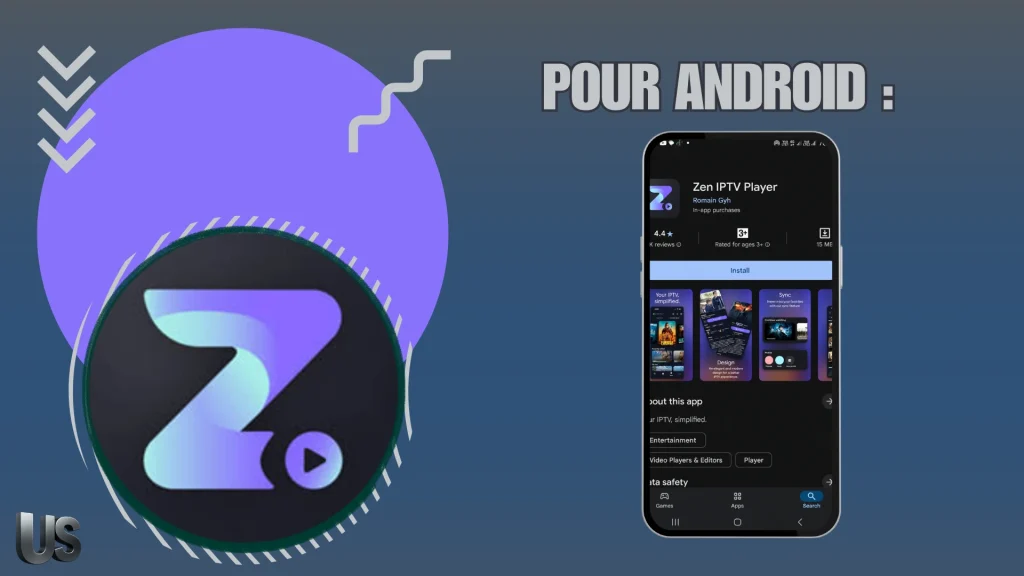
Now we will try how Zen IPTV Player works on Android devices. First, we download it from the Play Store.
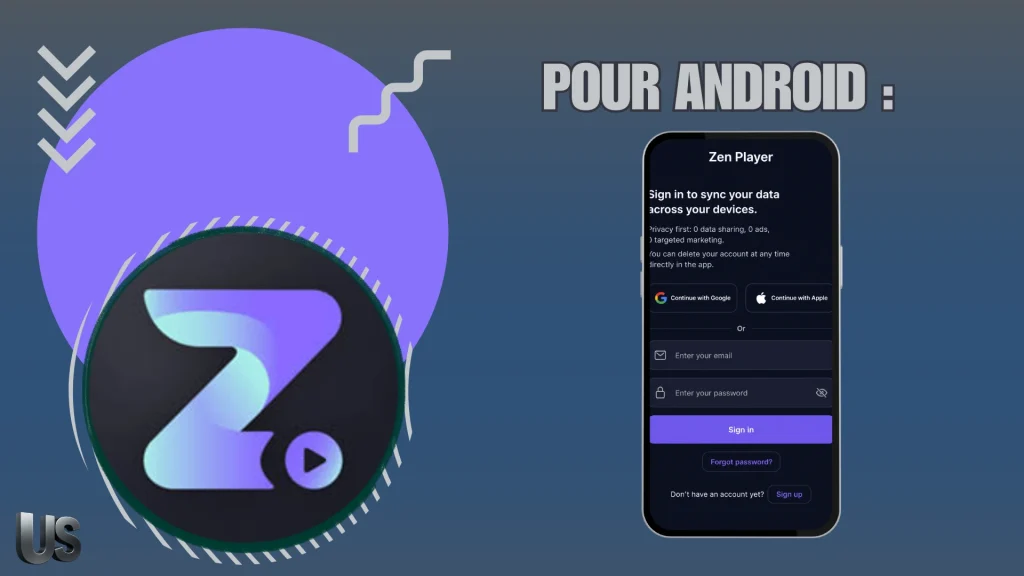
When we download and open the app, it asks us to register with an email address in order to use it.
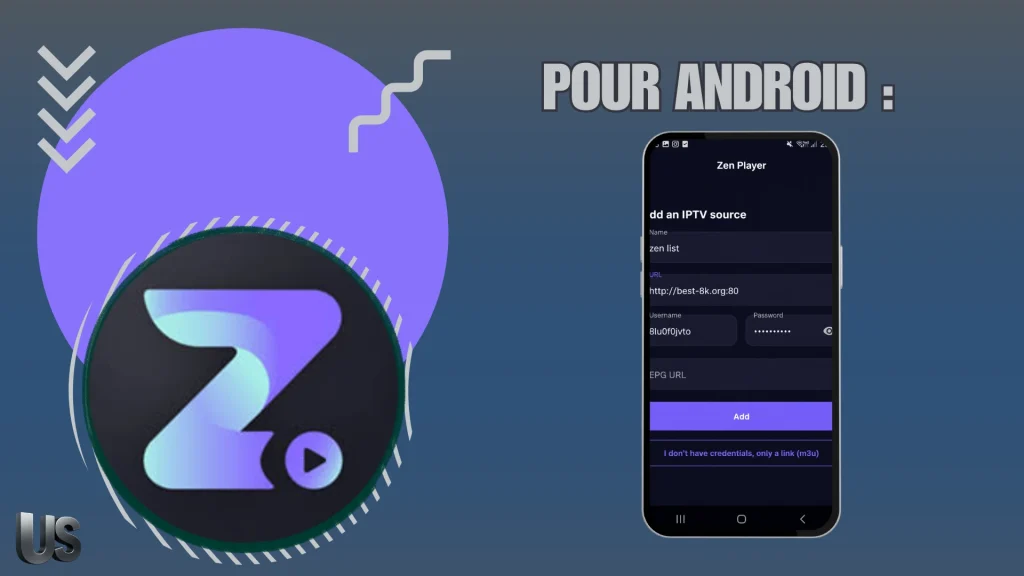
After registering and accessing the app, it prompts us to add a playlist. We choose to add one using the Xtream Codes service. Then, we fill in the required details for this format, including the username, password, and server URL provided by the supplier, and finally add the playlist.
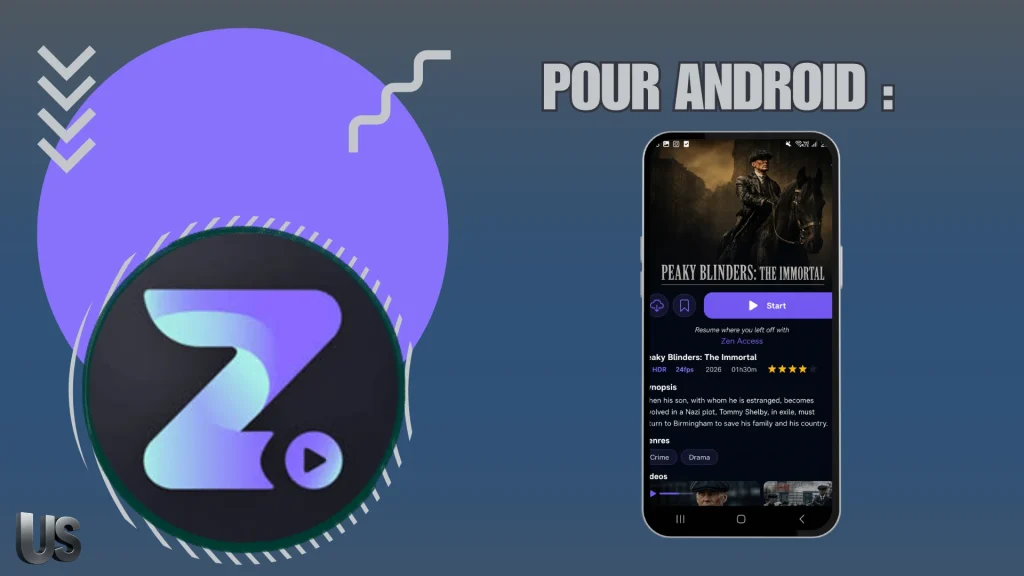
We wait a short moment for the content to load. After that, you can enjoy watching movies, series, and live channels in high quality.
For IOS :
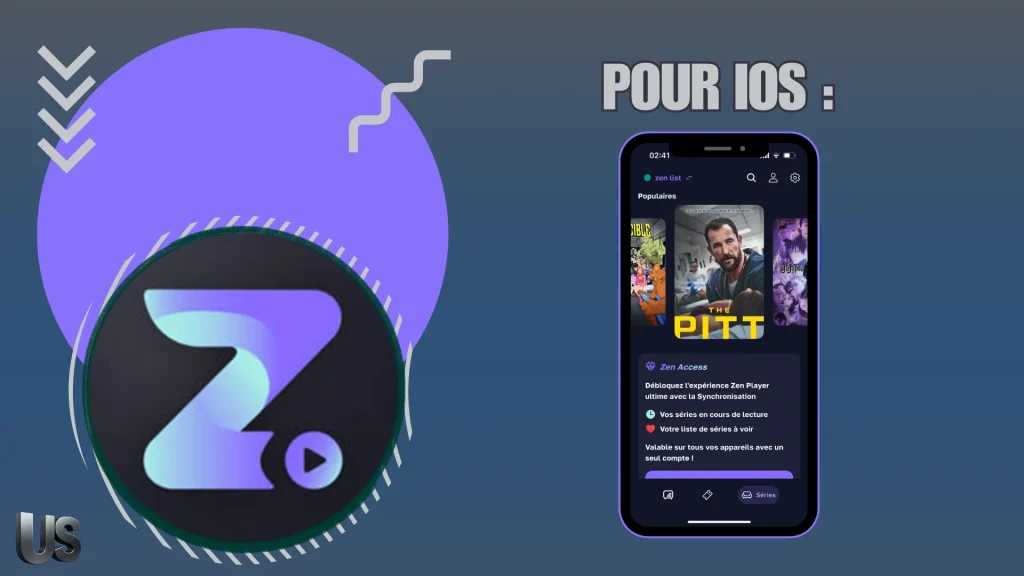
To try the Zen IPTV Player app on iOS, we first download the app from the App Store.
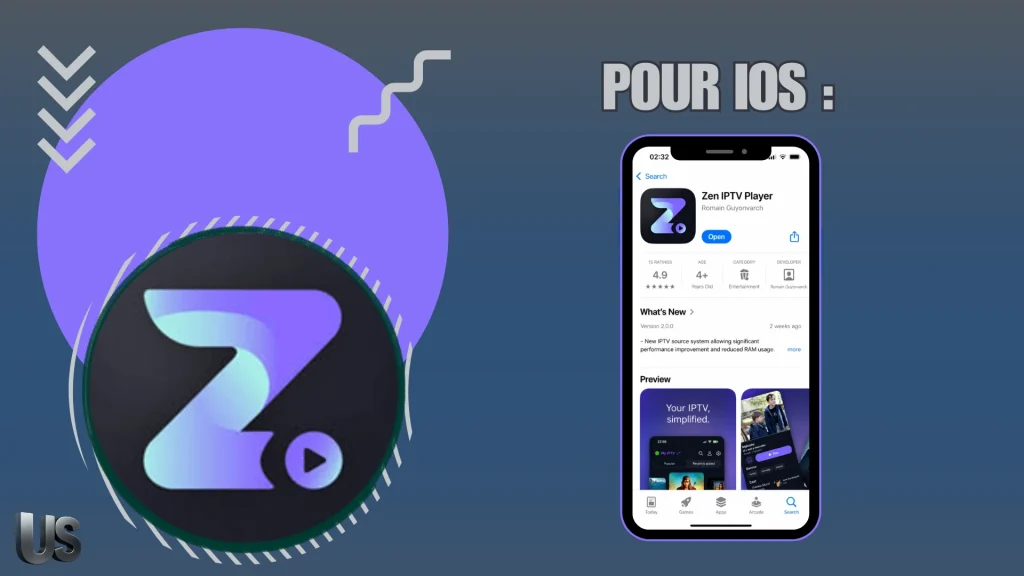
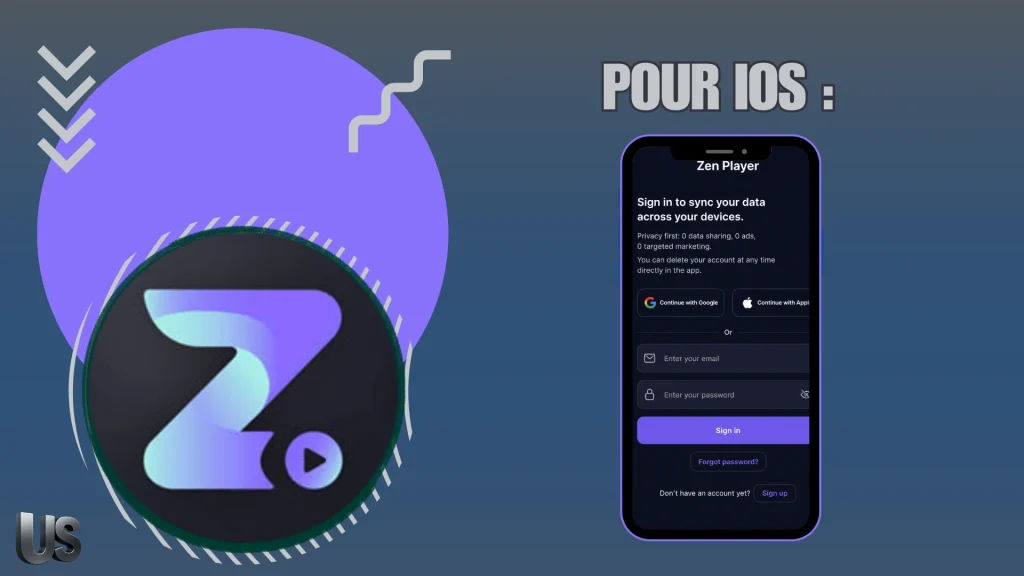
After downloading the app and opening it, the interface shows instructions telling us that we need to register with an email address in order to use it.
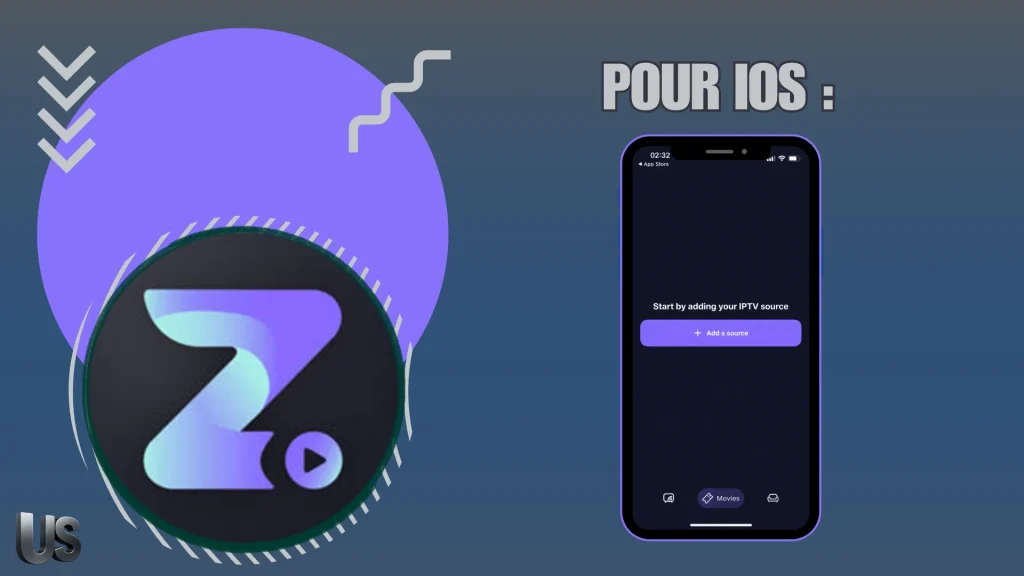
After registering in the app, it prompted us to select Add Playlist, and we chose the Xtream Codes format.
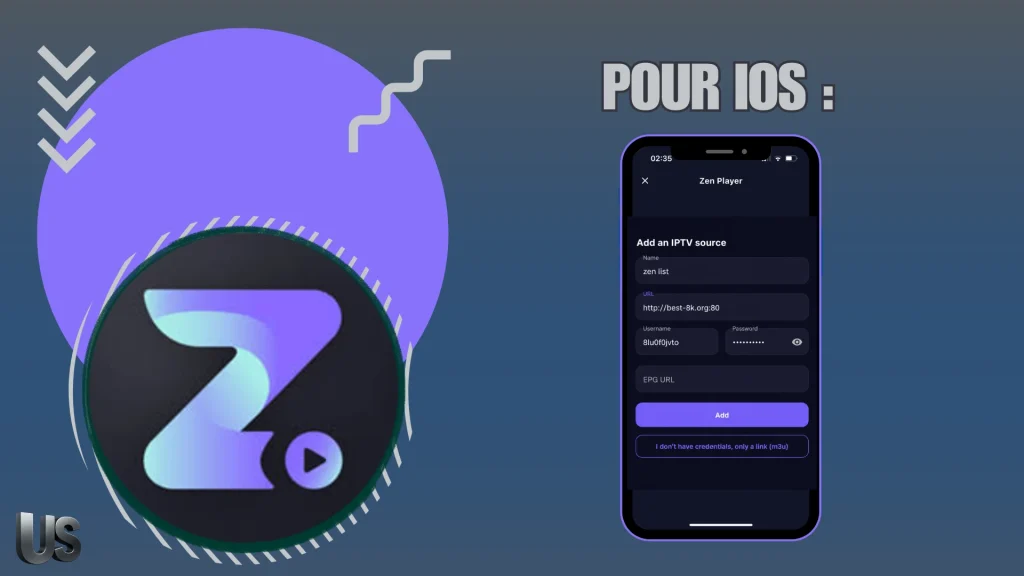
We enter the required Xtream Codes details, including the username, password, and server URL from the subscription we received from the provider, then we add the playlist.
After adding the playlist, we wait a moment for the content to load. Once it is ready, you can enjoy watching it.
For Windows :
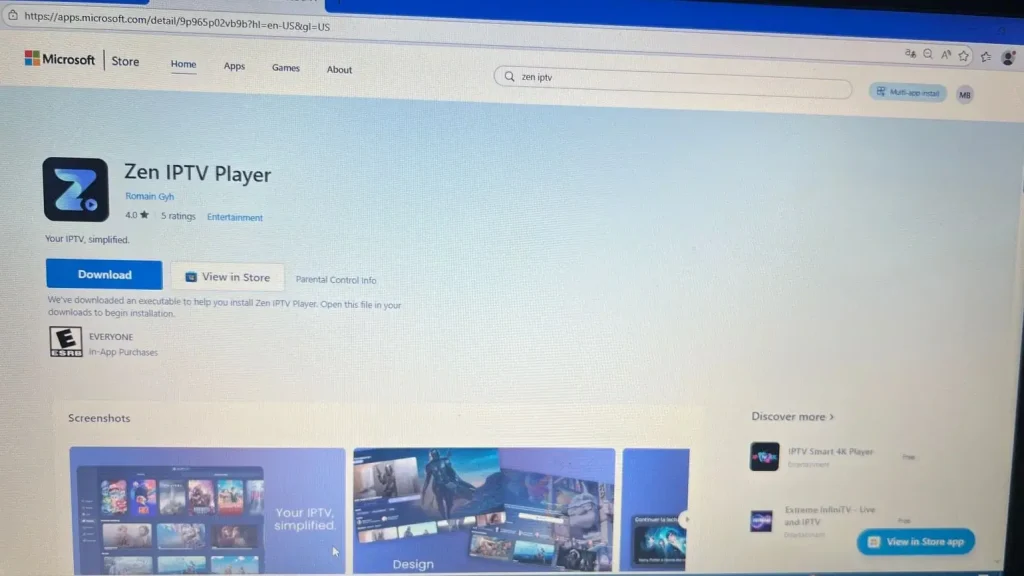
On Windows, the steps are slightly different. First, we download the app from the Microsoft Store.
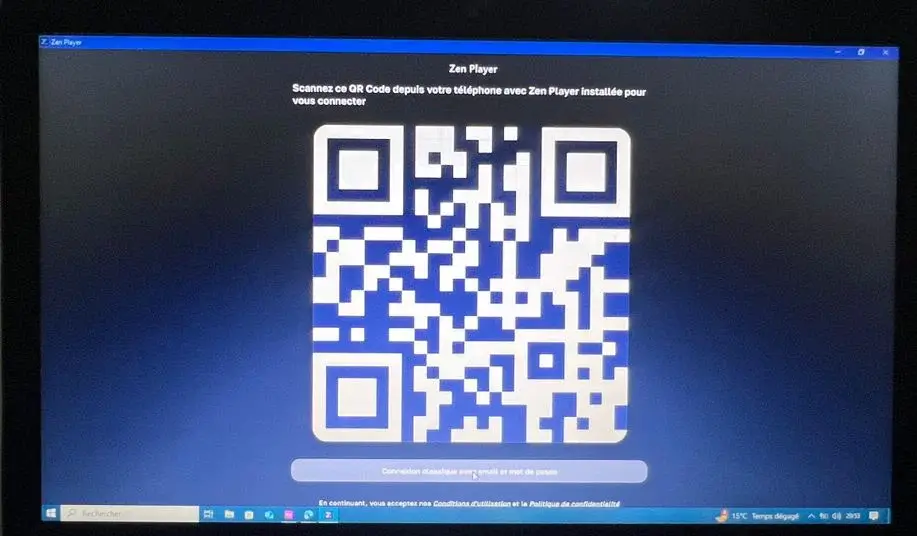
We open the app, and on the main interface a QR code appears. We need to scan it, and it will ask us to download the app on a mobile phone, activate it, and add the playlist through it. As soon as we scan the code, the Windows device connects directly to the playlist we added on the phone, and you can start watching through it.
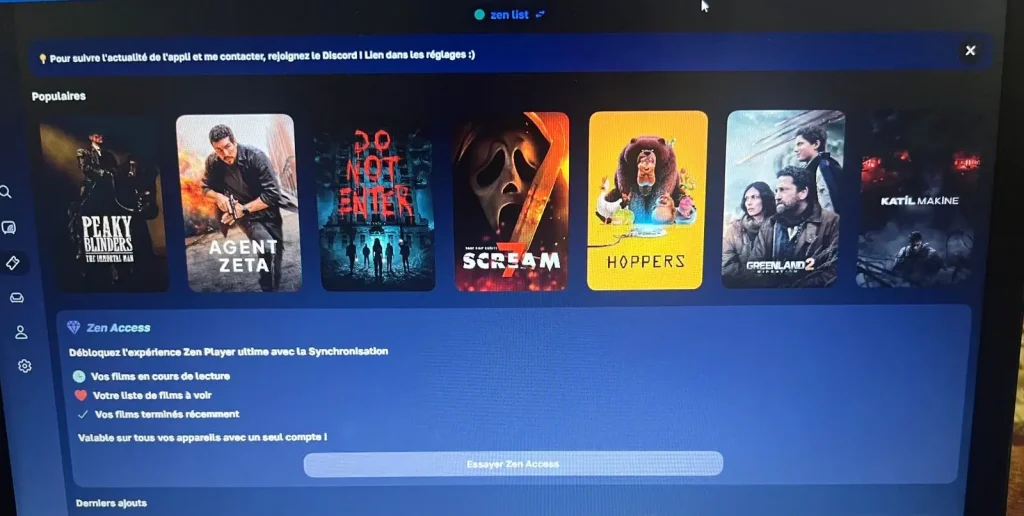
As you can see, it is the same playlist available on the phone.
Alternative apps to zen iptv player :
IPTV Smarters Pro :
IPTV Smarters Pro is one of the most widely used options, making it a suitable alternative for users’ needs. It offers a polished interface worthy of modern streaming apps, where the functions of an IPTV playback application are available in a simple and practical way. The app lets users play video sources through M3U files or login details, while enjoying live TV and on-demand content with a quality standard available across different devices.
Pros :
- Easy to use interface
- Supports live TV and VOD
- Works with M3U playlists
- Xtream Codes login supported
- Channels can be sorted by country
- Favorites are easy to manage
- Multi-screen viewing available
- Playback controls are flexible
cons :
- Depends on provider quality
- Some streams may lag

IPTV Smarters Pro
ibo player pro :
This app has become one of the preferred solutions for many users across different devices, thanks to its distinctive features. It includes catchup, an electronic program guide, and clear Data display, and is available on all your devices. The developer may release any update needed to improve performance. It can never provide any content for viewing, and illegal use may lead to penalty of prosecution.
Pros :
- Available on multiple devices
- Supports catchup and replay
- Includes electronic program guide
- Supports 4K, HDR, Dolby Vision
- Multi-language subtitles available
- Picture-in-Picture supported
- Multiple profiles supported
- Favorites and resume playback
cons :
- Never provides any built-in content
- Requires external playlist or source
- Some options need extra purchase

Ibo player pro
Televizo :
Televizo – IPTV Player is a suitable choice for anyone looking for an easy and organized way to access favorite content with comfortable viewing quality. It works as a player to play sources and includes the basic functions of an IPTV app. The app loads your content and displays it in a clear interface, with attention to privacy and support for useful keyboard options, giving it a modern feel close to the smartest and most beautiful IPTV apps.
Pros :
- Easy and simple to use
- Supports multiple playlists
- Works with file or URL
- Organized and clear interface
- Parental control available
- Flexible setup options
- Suitable for different needs
cons :
- No integrated content provided
- Requires personal playlist details
- Streaming quality depends on provider

Televizo
Conclusion :
In this article, we tried to summarize all the information you may need for your experience with Zen IPTV Player, including how to use it, its main features, and some important points to consider before getting started. This gives you a clearer idea of the app and whether it suits your needs on different devices.

I studied modern technology at college and have extensive experience in applications and viewing solutions. Due to my work, which requires frequent travel, I rely on modern technologies to keep up with my favourite programmes.